
Describe the process.
Get the automation that runs it.
How does desert work?
Integrate with anything
Connect an account, hand it a key, or let it use a browser like a person would.
Connect an account
Sign in once and the agent works as you do, with the same access you have.
- 1Password
Hand it a key
For everything with an API. It installs what it needs and writes the call itself, so nothing has to be built for your tool first.
Your CRM, payments, chat, anything with docs
Or let it use a browser
For the tools with no API at all. It opens the site, signs in, and clicks through the job the way a person would.
Old portals, internal dashboards, the thing nobody wants to touch
- Docs and spreadsheets
- Your CRM
- Payments and invoices
- Chat
- Anything with a login
It keeps getting better
Teach it once
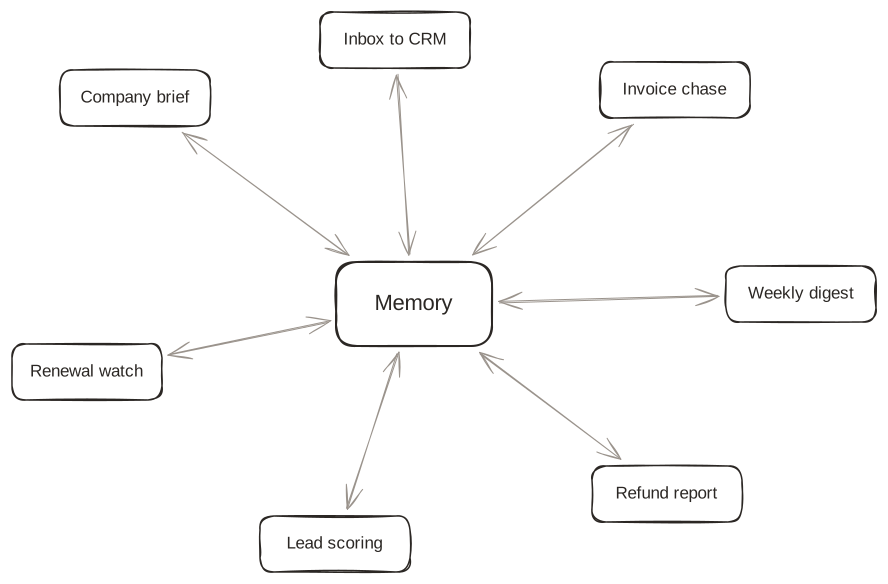
The agent keeps its own notes as it works, and everything in the workspace reads them. Say how something is done once, and the next automation already knows.
Fix it by telling it
Say what it got wrong in a sentence and it changes. No ticket, no rebuild, and nobody else has to be free.
Send someone the link
A share link opens the automation and nothing else. The person who needed it runs it without an account, without seeing your chat, and without being taught anything.
Never do the same work twice
Describe the boring half of your week once. Desert builds it, runs it, and remembers what you told it.
Book a meetingAlready have an account? Log in